Books everyone can keep.
Last updated September 2026 · SlowBooks Pro v2.18.1
Contrast you can read, in both themes
Text meets WCAG AA contrast in the light and the dark theme everywhere SlowBooks draws it: every page, 142 dialogs, the sign-in and setup screens, pop-up messages and the PDF window. That's 4.5:1 for ordinary text and 3:1 for large text. Chart lines, bars and colour keys meet 3:1, so the A/R aging colours can be told apart.
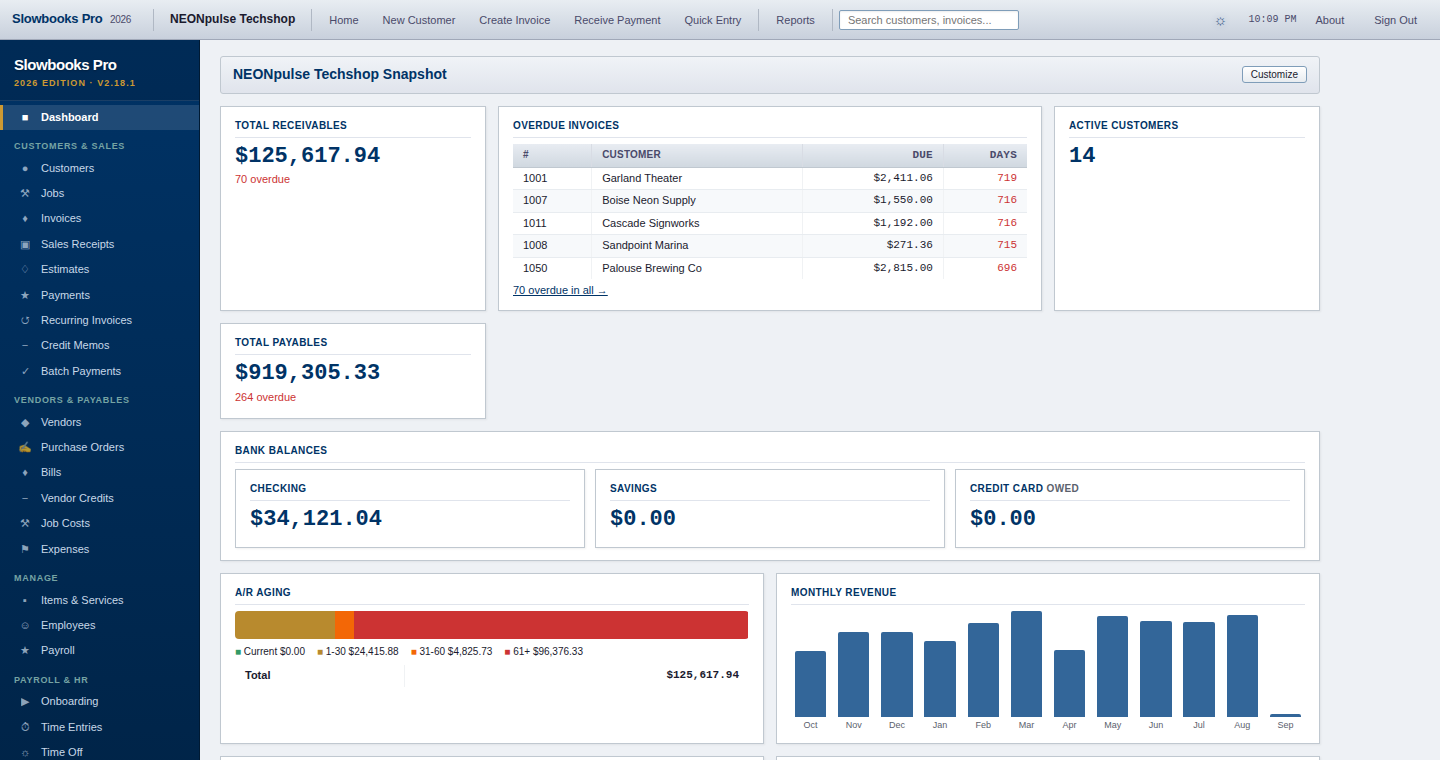
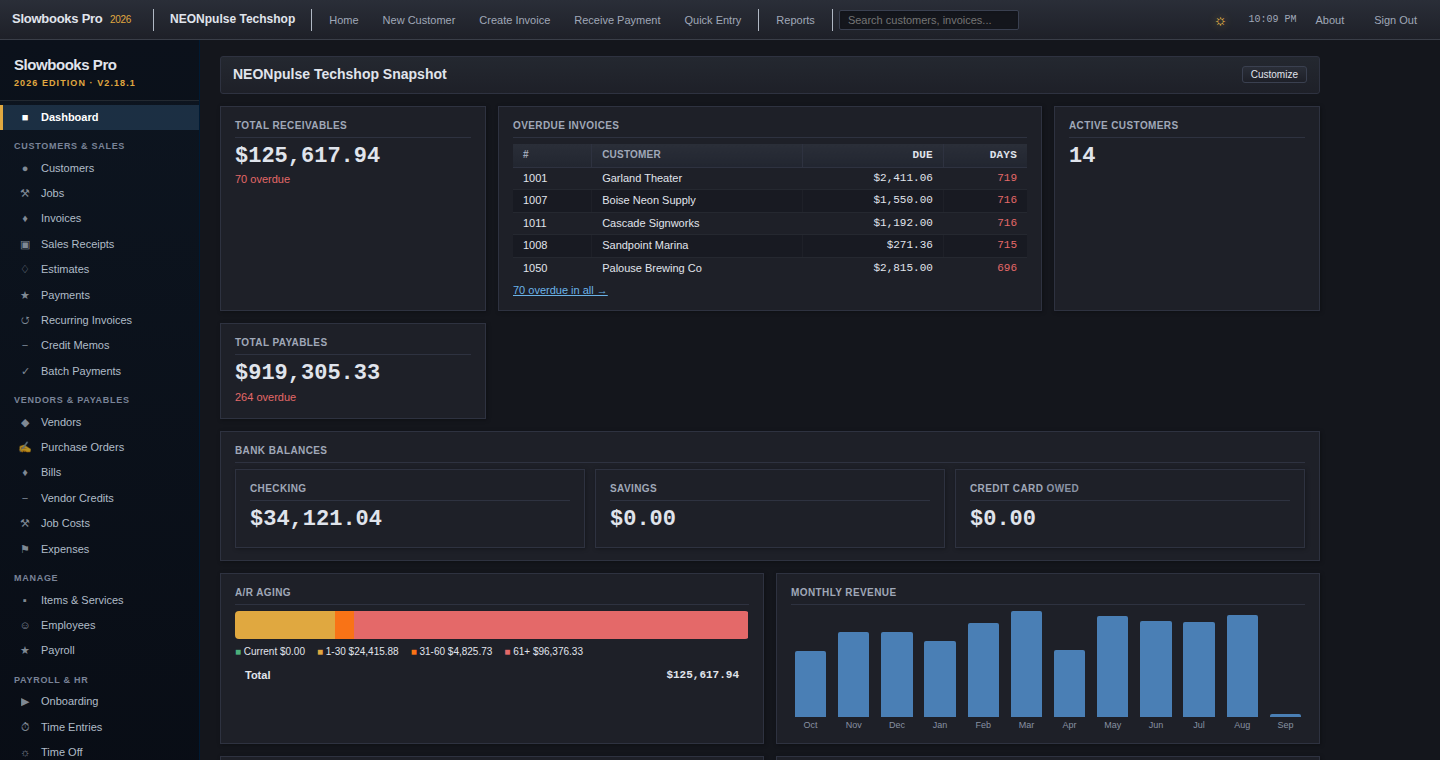
How we check it: before each release, a browser opens every page, notice and dialog in both themes and measures the contrast of the text that's actually painted there, semi-transparent text included. A shade that falls short fails the test run.
Screen readers
- Every PDF is tagged (PDF/UA-1), with its language and title set. That covers invoices, statements, estimates, pay stubs, W-2s, 1099s, Forms 940 and 941, checks and reports, so a screen reader gets headings, tables and reading order, not a picture of text.
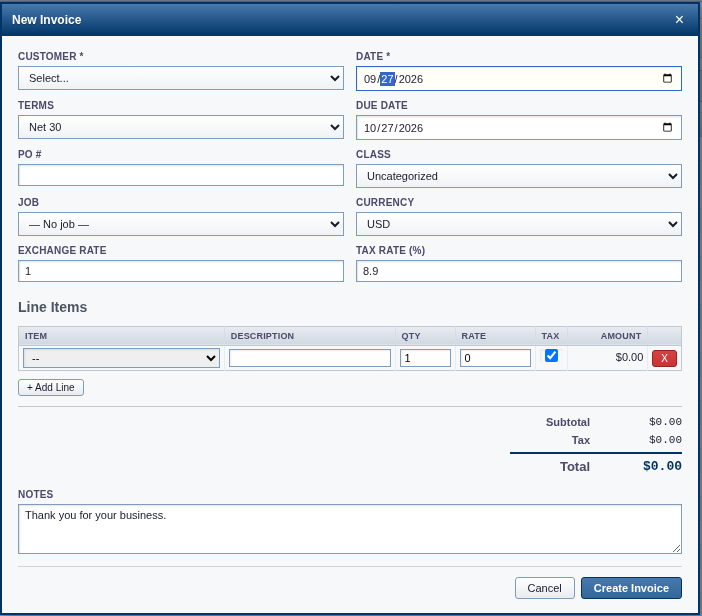
- Dialogs are real dialogs. Focus moves into them, Tab and Shift+Tab stay inside, Escape closes them, and focus goes back to the button that opened them.
- Notifications are announced. "Invoice saved" and the like are read out without moving your focus.
- Tables name their columns, so a cell is read with its column heading.
- Icon buttons have names, like "Close dialog" on the ×.
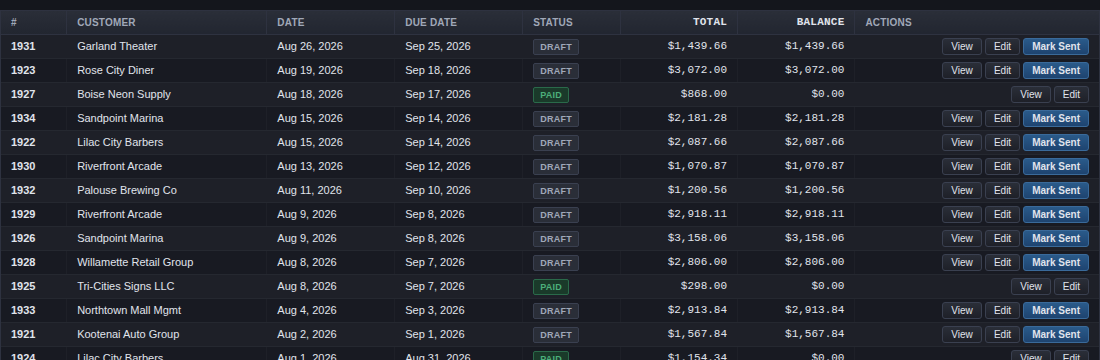
- Status is written, not only coloured: Paid, Draft, Sent, Balanced, Out of balance.
What's still open
- The chart of accounts and some long forms could use landmark regions and skip links.
- The dashboard charts have text in their legends, but not on the bars themselves.
- Where a list can be reordered by dragging, the keyboard gets arrow buttons instead of a keyboard drag.
Tell us
If something in SlowBooks Pro is hard or impossible for you to use, open an issue or email trent@neonpulsetechshop.com. Say which screen, and which assistive technology you use. Barriers are triaged as bugs.
The full statement is kept with the source: docs/accessibility.md.
Try it
Signed Windows installer, with nothing to sign up for. Both themes are in the box.
Download for Windows Download for macOS - Developer ID signed, notarized All platforms