Free, every feature
- No trial, no paid tier, no invoice cap
- No account to create, nothing to cancel
- Free for personal and business use, including large companies
Cost to you$0.00
Double-entry accounting. Self-hosted.
No banner across the top of your books. No usage telemetry. No account to sign into. Nobody is upselling you inside your own ledger.
Every install ships a self-documenting 735-operation local API, built for Claude Code and Grok first. Codex CLI, Gemini CLI or any agentic tool works too. Here is how it stays safe.
Claude Code, Grok, or any agent you run
Read-only or bookkeeper. A key is never an administrator
On your computer or your own server, not ours
Every change it makes is in the audit log under the key’s name
What people hand it
Most accounting apps rent you a login to your own books. SlowBooks runs on the computer in front of you.
Cost to you$0.00
Servers we run for you0
Yours to keep100%
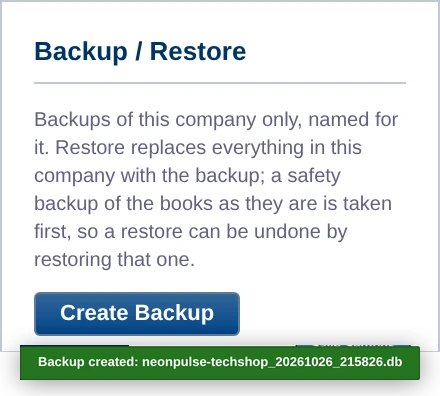
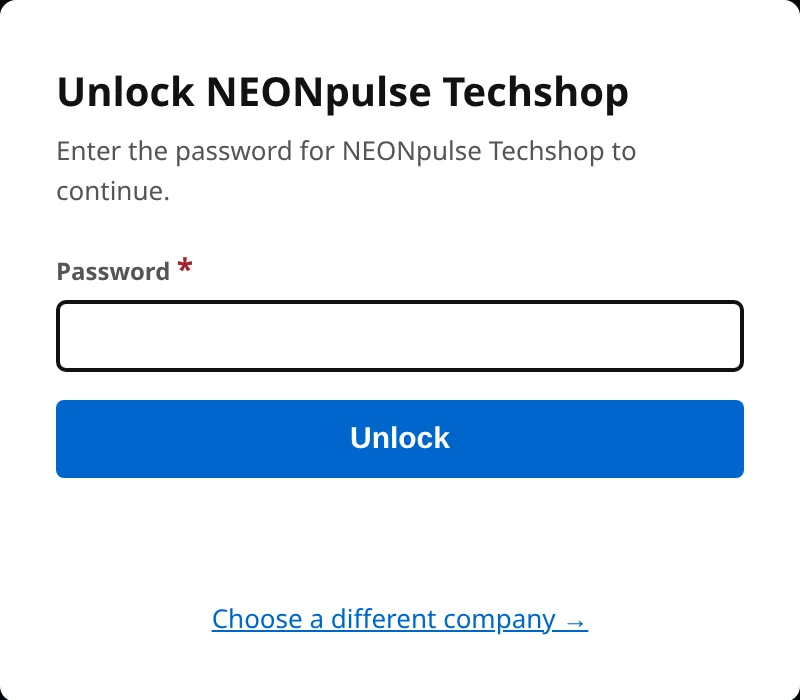
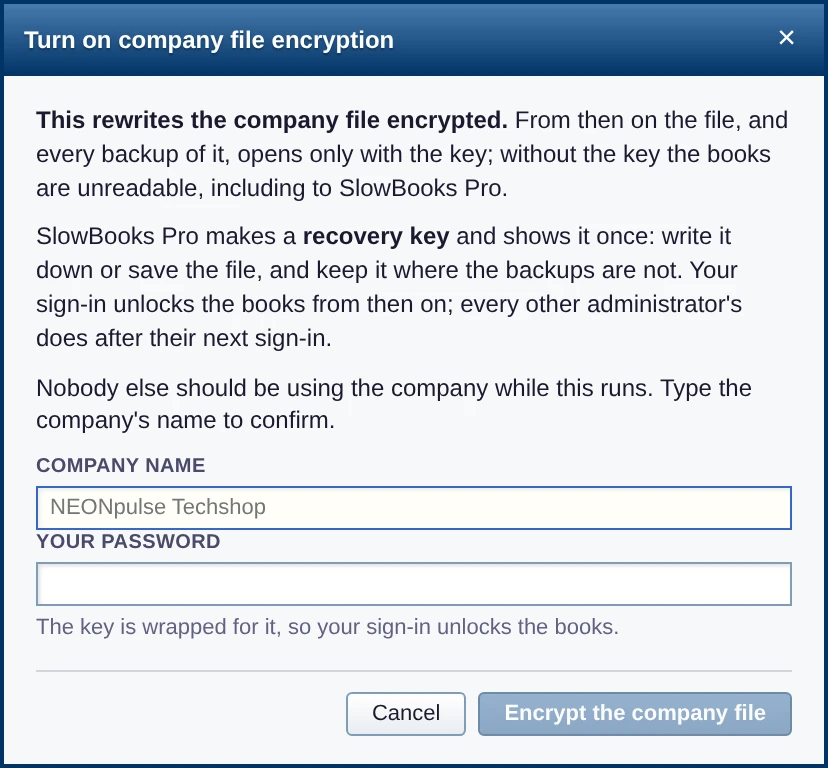
“What if my computer breaks?” Keep a copy somewhere else, put the books on a server, or lock the file.
Backed up
Running on your server
Encrypted
From X and the project’s GitHub, in their own words.
I’ve already set it all up and it works better than QuickBooks. No ads constantly trying to pull more money out of me when I’m just trying to record a check!!!
Left QuickBooks Online
The agents did it automagically for me looping me in only when the skill file I authored with the agent was unable to determine how to classify a charge
Runs the books with AI agents
Ditch QBO and move to @SlowBooksPro free and it’s better.
Switched from QuickBooks Online
I loved QB Desktop, but when Intuit started forcing everyone on to QBO and the subscription price has gone up so much, I thought there has to be a better way!
Moving off QuickBooks Online
Thank you for such an excellent product, this is great for PTAs and non-profits that have no money!
Nonprofit
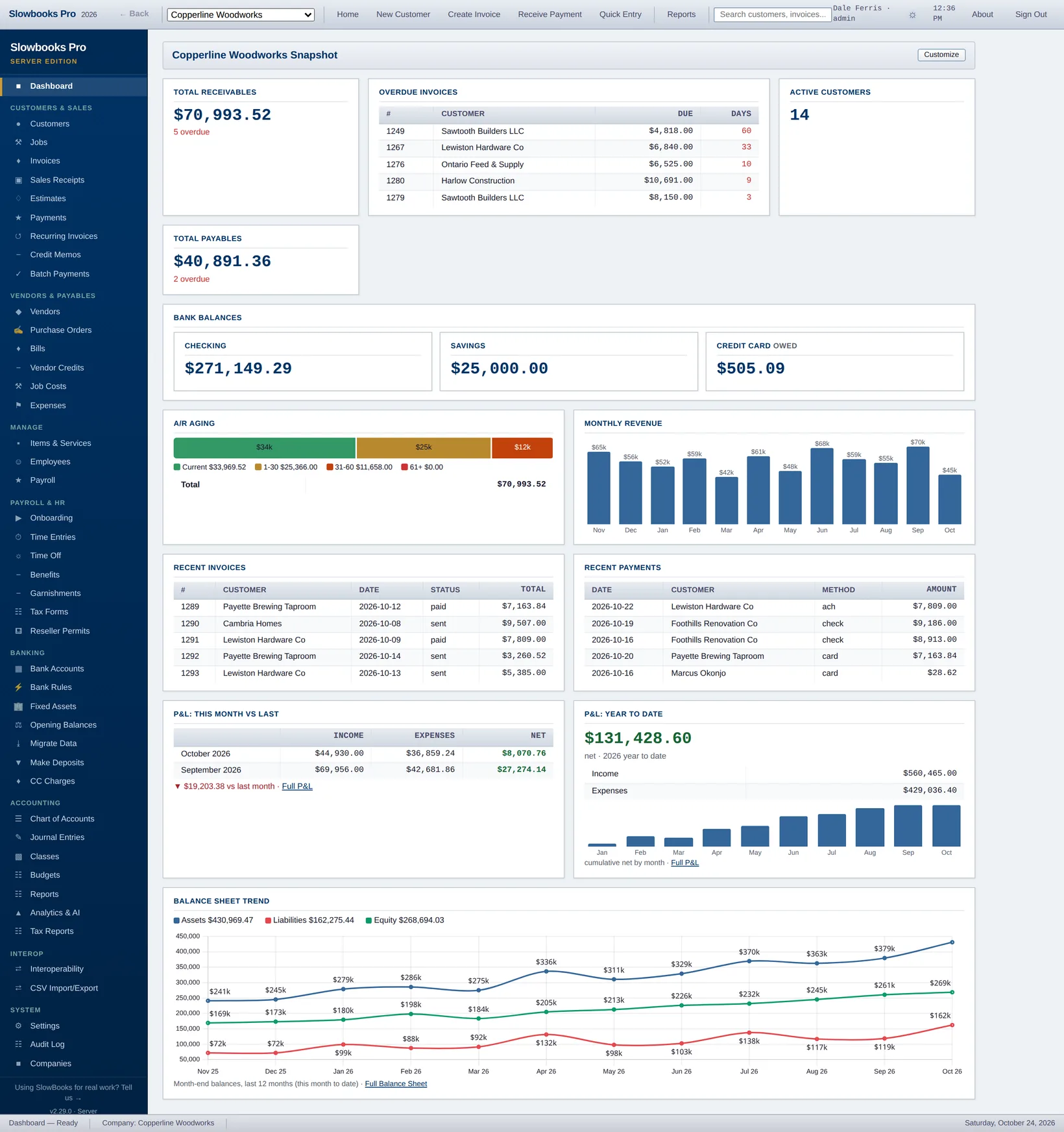
Double-entry books, invoicing, bills, banking, US payroll and tax forms, plus these. Click a picture for the full screen.
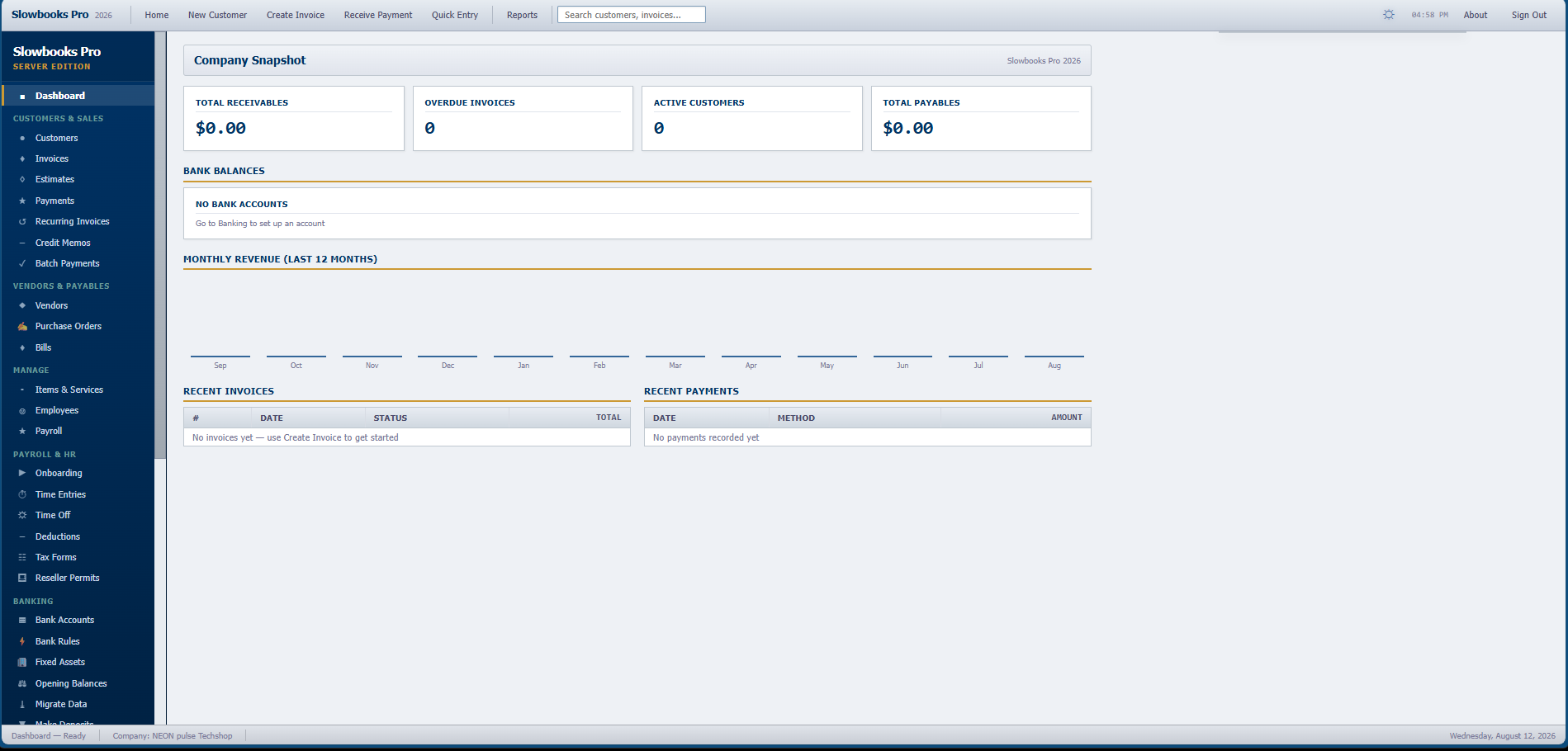

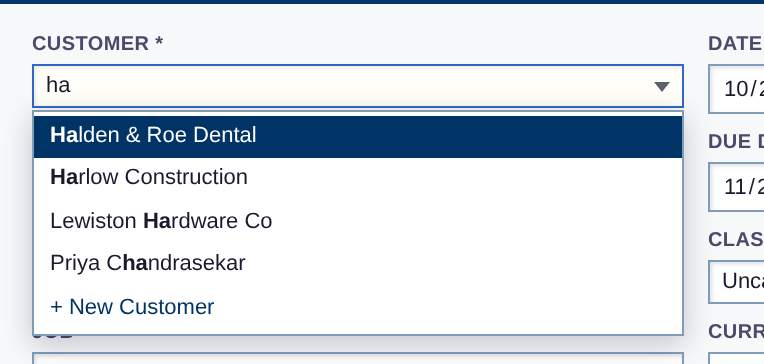


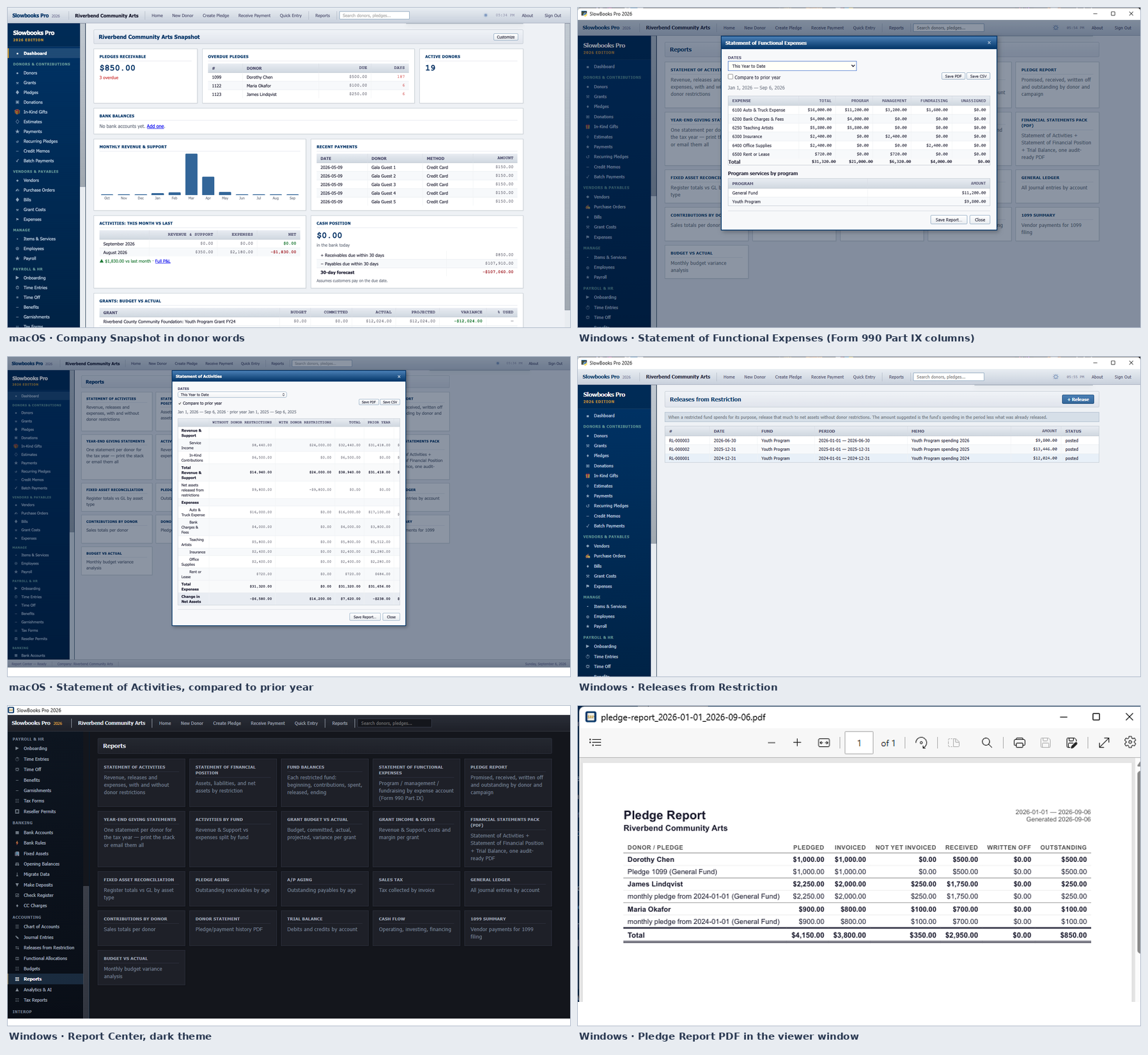
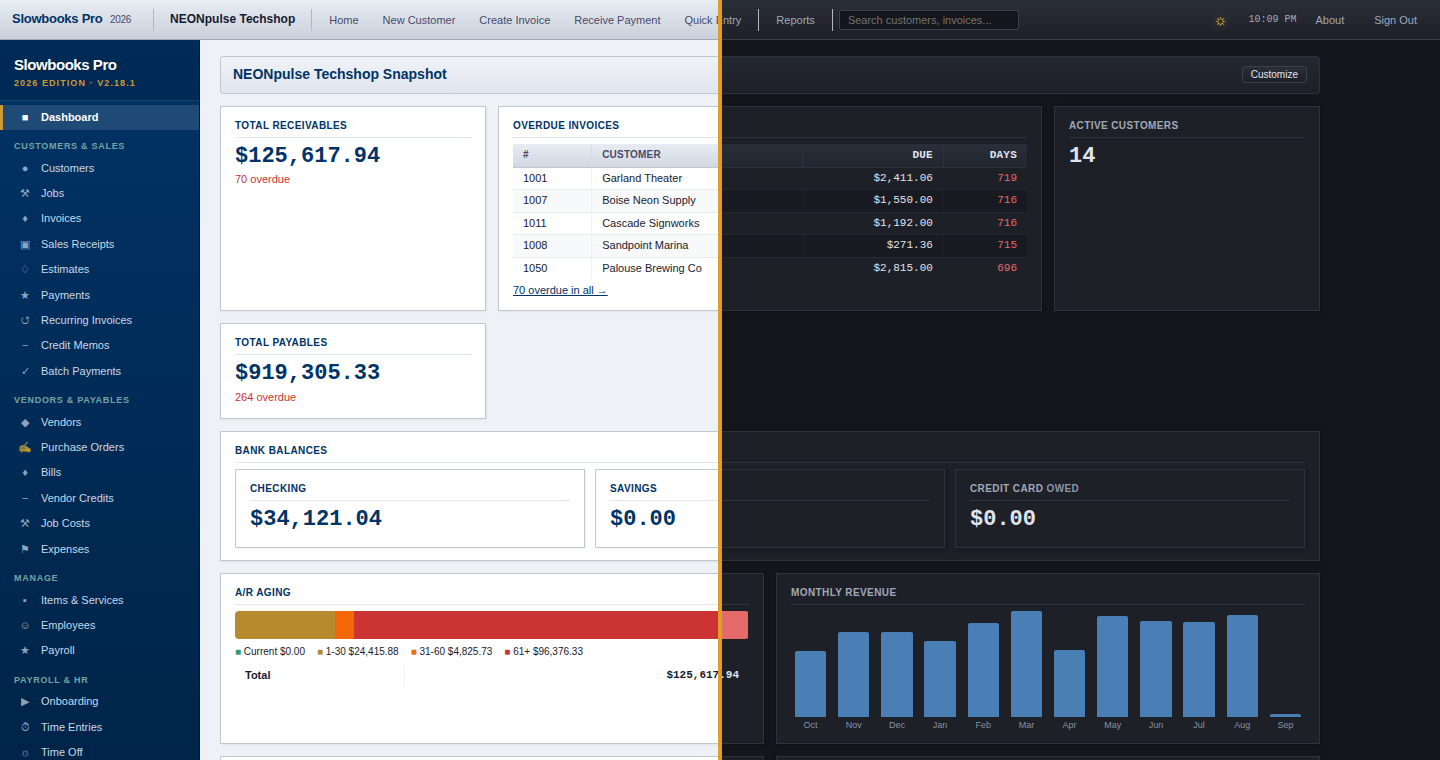
Windows and macOS get signed apps: download, open, done. Linux, Intel Macs and servers use Docker or a source install.
A normal Windows app: download, double-click, done. The installer is code-signed (Windows shows a verified publisher, not a SmartScreen warning) and completely self-contained, so there is nothing else to install.
Download SlowBooksPro-Setup-x64.exe
Currently v2.31.4 for 64-bit
Windows 10/11, also available as a
portable .zip.
Each company is its own file (like QuickBooks company files),
stored under %LOCALAPPDATA%\SlowBooksPro, so
upgrades and even uninstalls never touch your books. When a new
version ships, the app’s footer shows an update notice.
One command. PostgreSQL, migrations, and seed data are handled by the compose stack. (Multi-user on Windows doesn’t need Docker; that’s Server Edition, built into the signed installer.)
git clone git@github.com:VonHoltenCodes/SlowBooks-Pro-2026.git
cd SlowBooks-Pro-2026
docker compose up
Open http://localhost:3001 in your browser. First run pulls images, applies migrations, and seeds the chart of accounts. Container runs as a non-root slowbooks user.
A real Mac app: download the DMG, drag SlowBooks Pro
to Applications, launch. Signed with an Apple Developer ID and
notarized by Apple - no Gatekeeper warnings, no
Docker, no Python. Apple Silicon, macOS 15 or newer (v2.25 and earlier
ran on macOS 14). Your
companies live under ~/Library/Application Support/SlowBooksPro.
Get the macOS DMG from the latest release Developer ID signed and notarized by Apple
macOS build maintained by @ContractorKeith; signed and notarized releases ship alongside the Windows build. Intel Mac? Use the Docker tab; it runs the same app against the same files. Bare-metal source installs are covered in the install guide.
Debian, Ubuntu, and Pop!_OS use the same recipe. Other distros: swap apt for your package manager.
sudo apt install -y postgresql libcairo2-dev libpango-1.0-0 \
    libpangocairo-1.0-0 libgdk-pixbuf-2.0-0 libffi-dev

sudo -u postgres createuser bookkeeper -P
sudo -u postgres createdb bookkeeper -O bookkeeper

git clone git@github.com:VonHoltenCodes/SlowBooks-Pro-2026.git
cd SlowBooks-Pro-2026
pip install -r requirements.txt
cp .env.example .env
alembic upgrade head
python scripts/seed_database.py
python run.py
Then open http://localhost:3001.
Owns nothing. Phones home to nobody. Runs on hardware you can unplug. Accounting software should be the last thing you’d rent.
Vintage by design. Everything you need, nothing you don’t. Modern underneath, with a vintage feel on top: dense screens, keyboard first, every field where you expect it. No upsell banners, nothing blinking for attention.
“Intuit’s activation servers died in 2017. The hard drive died in 2024. We just wanted to print invoices.”
No catch. SlowBooks is source-available under a license that permits free use for personal, educational, and internal business purposes, including at commercial enterprises. The only restriction is you can’t repackage and resell it as your own paid product or hosted service. See the LICENSE for the full text.
The source is public on GitHub and you can read, modify, and redistribute it. Technically the license is “source-available” rather than OSI-certified open source, because of the No-Commercial-Resale clause. In practice, if you’re using it to run your own business, there is no functional difference.
Because accounting data is the last thing that should live on someone else’s server. Your financial history, customer information, payroll, and tax records shouldn’t be subject to some other company’s pricing decisions, breach history, or terms-of-service updates. SlowBooks sidesteps the entire question.
On purpose. Underneath it’s modern: signed installers, a local API built for AI agents, your choice of your own computer or your own server. On top it has a vintage feel: dense screens, the keyboard doing the work, nothing moved around for a redesign. Everything you need, nothing you don’t.
In Settings → Backup / Restore, click Create Backup. Download any backup to keep it off the computer, and restore it from the same screen; a restore takes a safety copy of the books first, so it can be undone. Backups are made when you click; there is no schedule in the desktop app. Each company is one file, so if your computer is already backed up by File History, Time Machine, a cloud drive or an external disk, your books are in that backup too. You can also export to IIF (for QuickBooks), CSV or PDF.
Your books survive if a copy lives somewhere other than that computer. Download your backups from Settings → Backup / Restore to a USB stick, a NAS or a cloud drive, or let File History or Time Machine copy the company file. A desktop backup is a copy of the company file, so it can go onto a new computer; Get help if you want a hand with that. If you’d rather not depend on one desktop, run the books on a server: Server Edition on an office PC, or Docker on a Linux server or VPS. See Your books are safe.
Yes, natively. Download the signed installer, double-click, and you’re keeping books in under a minute, without a database server to configure first. Windows shows a verified publisher instead of a SmartScreen warning because every release is code-signed. Each company is a single file under %LOCALAPPDATA%\SlowBooksPro, so backups are as simple as copying a file. Docker still works too, if you prefer containers, and serving your whole office over the LAN needs no Docker at all: that’s Server Edition, built into the same signed installer.
No. Server Edition is built into the signed Windows installer. Run it in server mode (or use the bundled install script for a boot-time service) and every machine on your LAN connects through a browser, with per-user logins, roles, and an attributed audit trail. Docker is an optional alternative for Linux servers and Intel Macs, never a requirement. See the Server Edition guide.
Yes. SlowBooks imports IIF files exported from QuickBooks Desktop (including the finicky Mac QB format with quoted thousands separators). QuickBooks Online companies move in from QuickBooks’ own Export data zip, with no Intuit app or sign-in needed.
Yes. v2.0.0 ships an analytics dashboard (KPI cards, charts, 90-day cash forecast, CSV/PDF export) and an optional AI Insights brief. The AI is bring-your-own-key: pick from eight providers (Claude, Grok, Groq, Cloudflare Workers AI, a self-hosted Cloudflare Worker, OpenAI, Gemini, or any OpenAI-compatible endpoint you point it at). Nothing is sent until you click. Keys are Fernet-encrypted at rest. If you don’t configure a provider, the feature simply isn’t there.
Yes, through Stripe, PayPal, or Square (enable any combination). SlowBooks emails invoices with a “Pay Online” button; the customer pays on the processor's hosted page and a balanced journal entry posts back into your local ledger automatically. Card data never touches SlowBooks. Desktop installs record payments on the customer's return, no public webhook needed. The payment URL is a token-scoped page, so customers never need a SlowBooks login.
We strive to conform to WCAG 2.1 AA. Text meets AA contrast in the light and dark themes on every page and dialog, checked by a browser before each release. Every PDF it makes is tagged for screen readers (PDF/UA-1), invoices and tax forms included. Every form field is announced with its label, and a required field as required. Dialogs keep keyboard focus, and notifications are announced. The full picture, and how to report a barrier →
Single-user authentication is built in - setup wizard on first run, argon2id password hashing, rate-limited logins. All API keys you add (AI providers, payment processors) are encrypted at rest with Fernet, and the company file itself can be encrypted from Settings. The Docker image runs as a non-root user. v2.0.0 also completed an external security audit pass: SSRF guards on outbound LLM calls, CSV formula-injection protection, schema-validated config payloads, constant-time secret comparison on the Cloudflare gateway. Your books are still on your hardware, same backup story as the rest of your machine (Time Machine, an external disk, whatever you already use).